
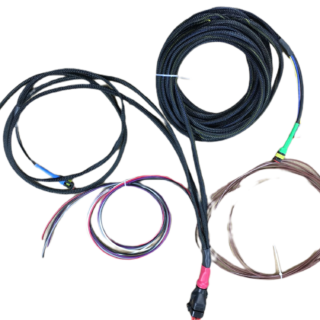
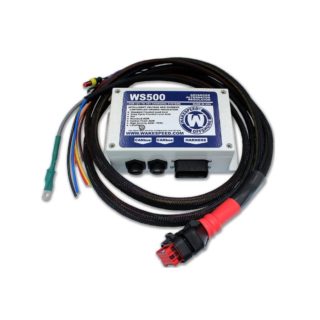
 WS500 Regulator Harness (P-type) for Van Installations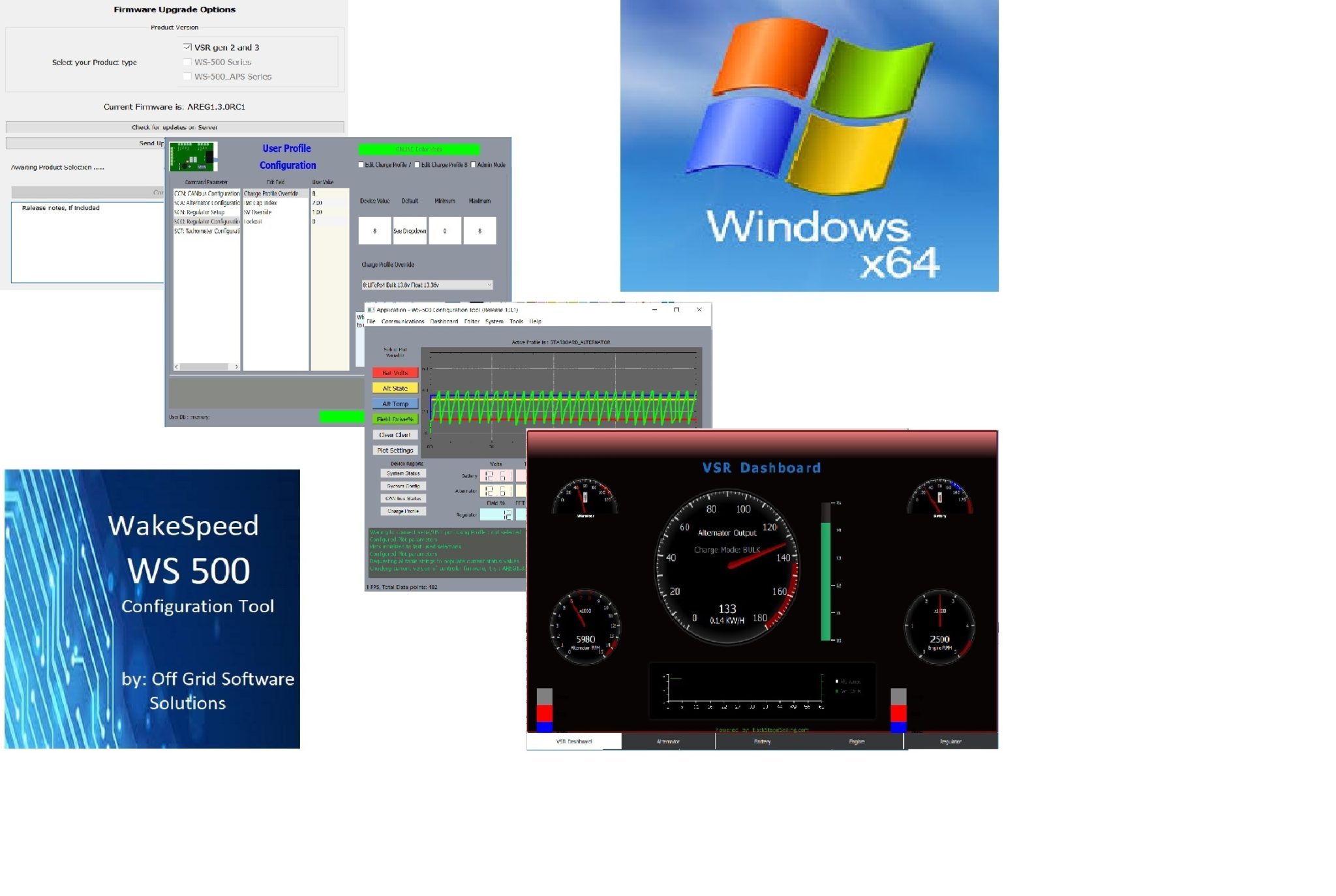
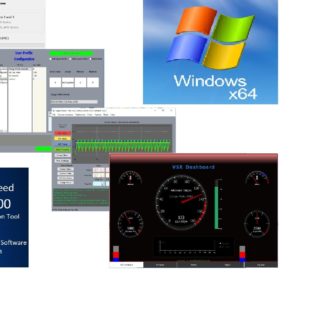
WS500 Software “Free Upgrade” V 1.2.2
$0.00
April 19, 2021 New Version 1.2.2 includes support for firmware level 2.4.1 just released by Wakespeed!!
To upgrade simply :
1) Using Windows “Add/Remove Programs” find WS500_Smart Regulator App in the list and Uninstall it. Alternatively, right click on the WS500_Tool item from your Start list and select “Uninstall“
2) After purchasing the product for “Free” look for the Sales Confirmation email from this purchase click on the download link to download the new WS500_Install program.
Note: Check your Spam folder and UnSpam it if you do not find it in your In Box
3) After the new WS500_Install.exe file downloads, open your Downloads folder and double click to run the installer and re-install the app.
4) After the Installer Wizard has completed, you are finished. (It should have retained your registration info so no need to go through that process again)
5) Connect your USB cable and run the WS500_Tool app and if all went to plan you should now be connected.
Related products
-
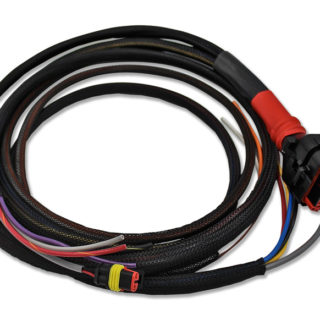
WS500 Wiring Harness
$79.95Select optionsWiring harness for WS500 alternator regulator. Includes branches for alternator, panel and battery. Select which configuration you need, either P(Positive excitation) or N(Negative Excitation)Regulators as field windings have two possible field polarities. See detailed description and Product images to help you determine your configuration.
Reviews
There are no reviews yet.