
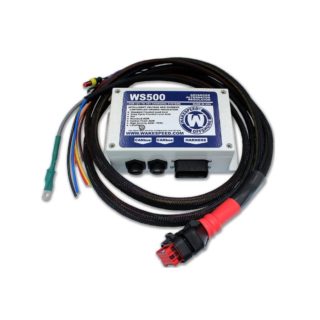
 WS500 Smart Regulator Kit Builder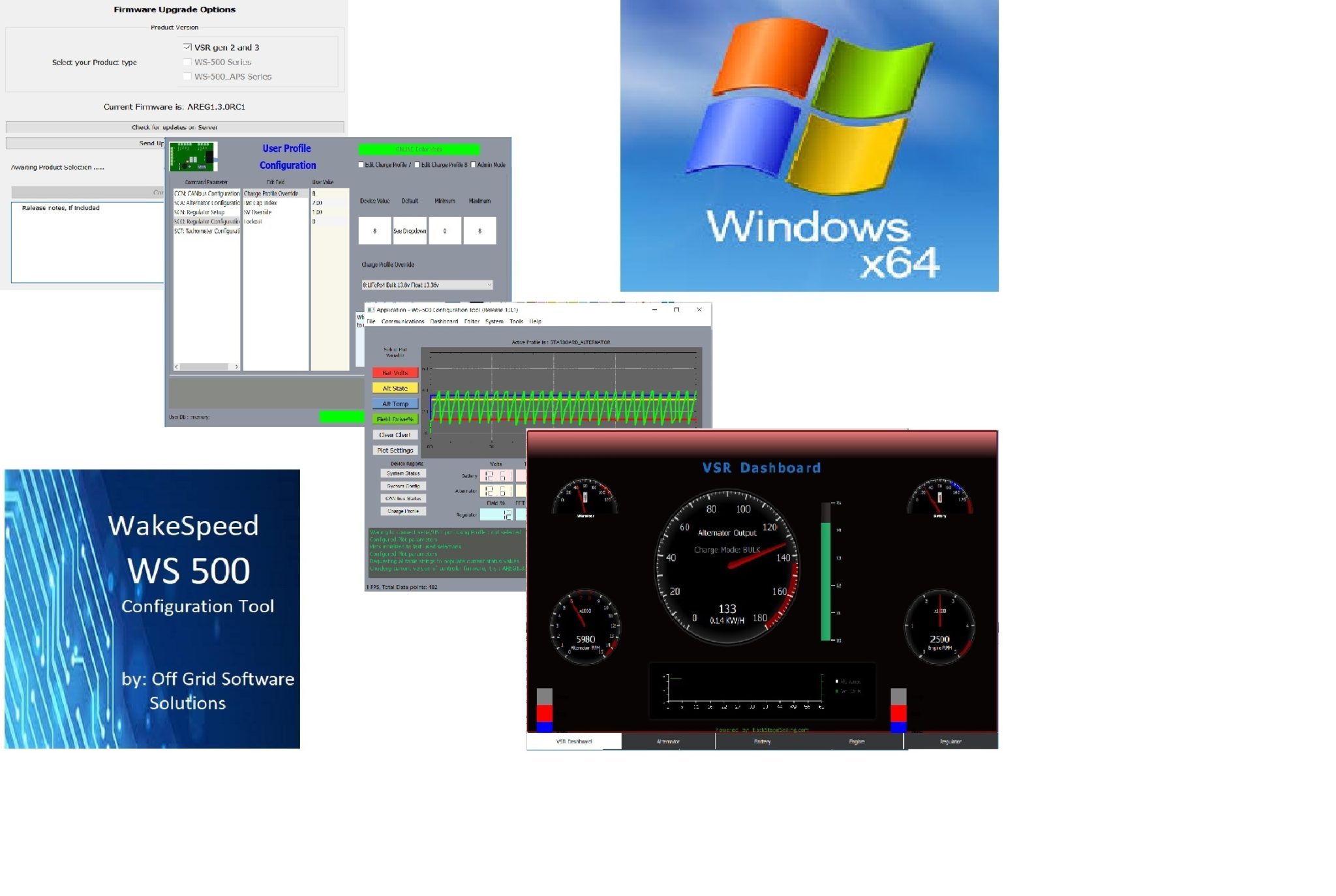
WS500 Software “Free Upgrade” V 1.2.2
$0.00
April 19, 2021 New Version 1.2.2 includes support for firmware level 2.4.1 just released by Wakespeed!!
To upgrade simply :
Related products
-
WS500 Regulator Harness (P-type) with CAN Deutsch Connector
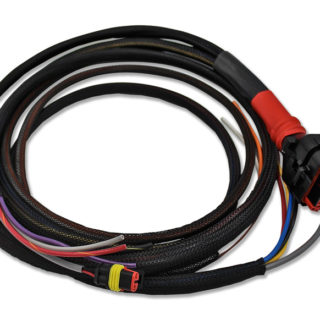
$99.95Add to cartWS500 Regulator Harness (P-type) with CAN high/low wires and a Deutsch connector. Includes Alt. Temp. Sensor. Use this harness for applications where you want to tie into an existing CANBus network using the hi/lo wires only and not have to use the onboard RJ45 cable connectors in the WS500 itself. To connect to a NMEA2000 …
WS500 Regulator Harness (P-type) with CAN Deutsch ConnectorRead More
-
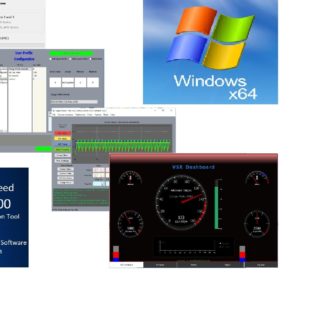
WS500 Configuration Tool-Config Version Life Time- Windows
$24.95Add to cartWS500 Smart Regulator Configuration Tool, Configure Version Not sure which version you need? Here’s a quick overview: If you want to be able to view your system operating parameters in real time and edit your profile, adjust regulator settings and backup/restore your profile, then the “Config” version is likely what you need If you want …
WS500 Configuration Tool-Config Version Life Time- WindowsRead More
Reviews
There are no reviews yet.